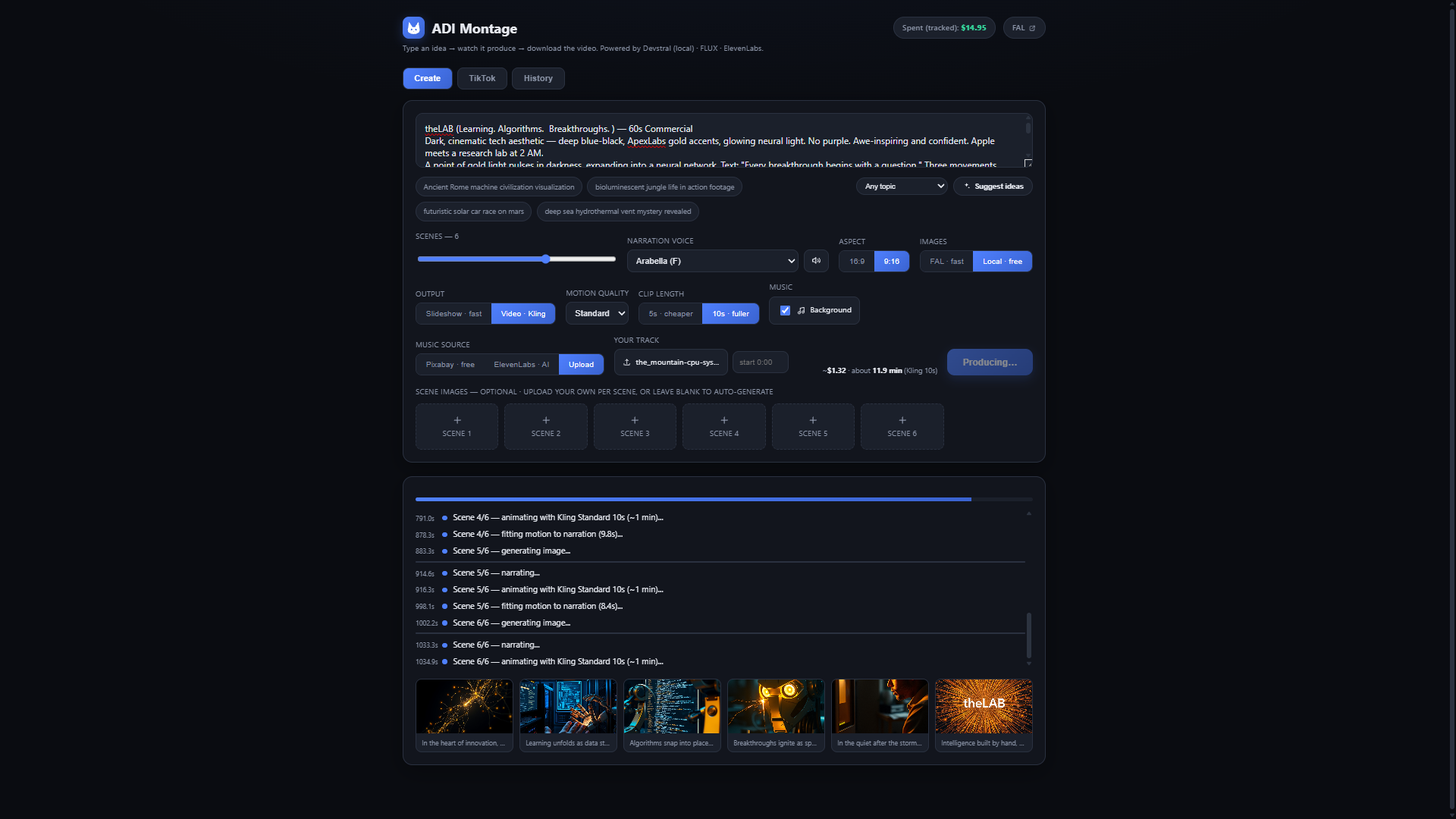
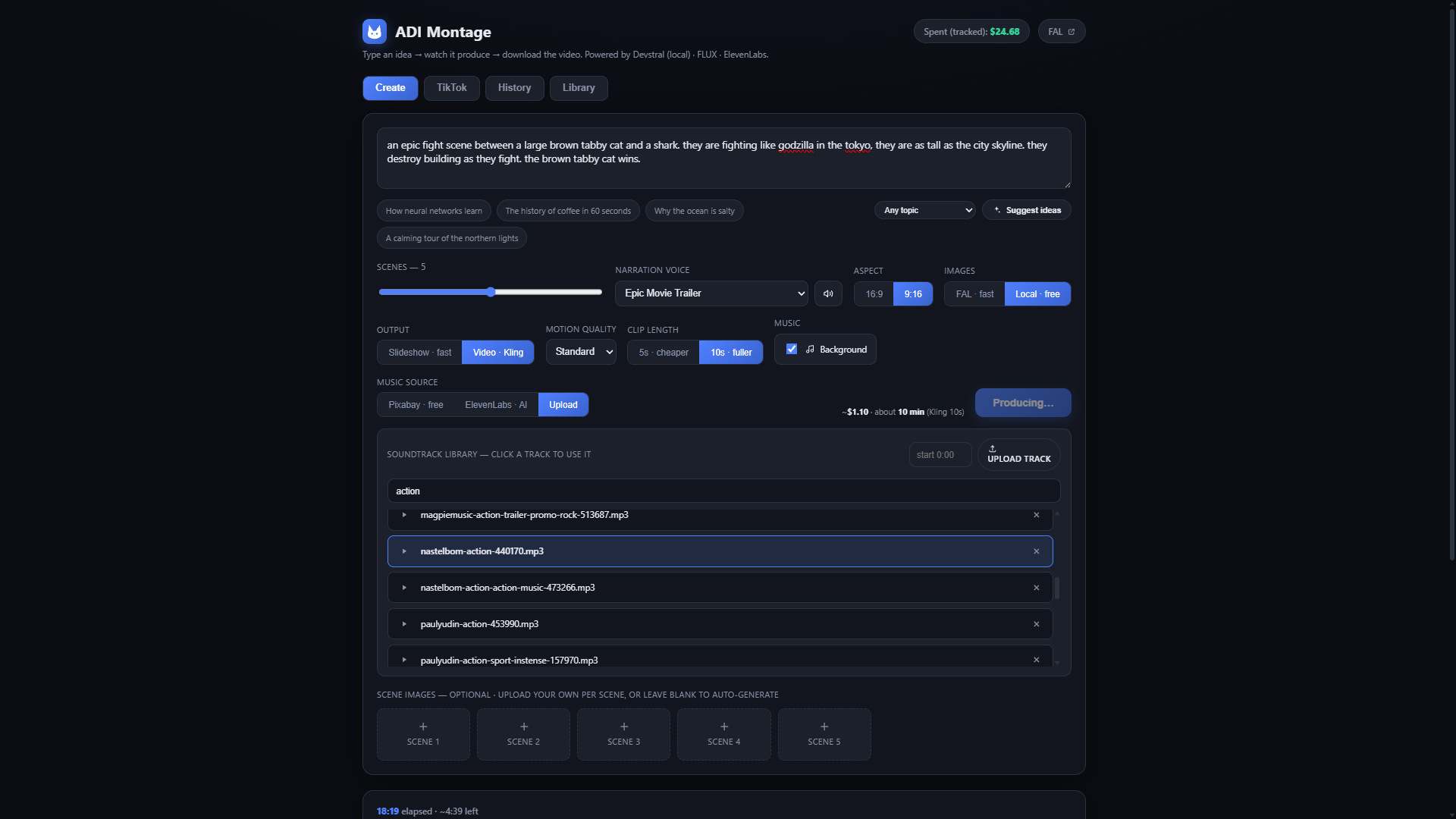
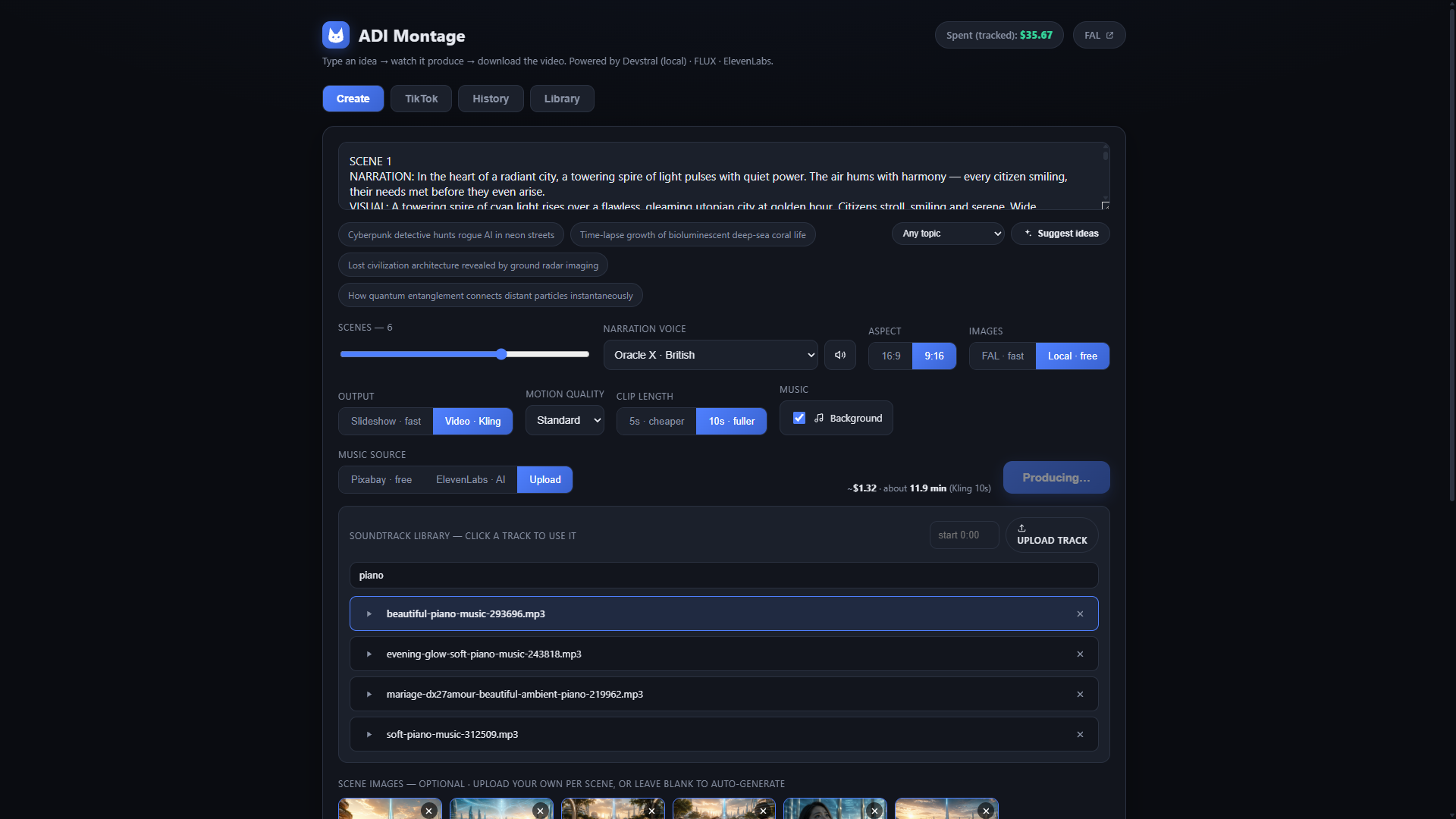
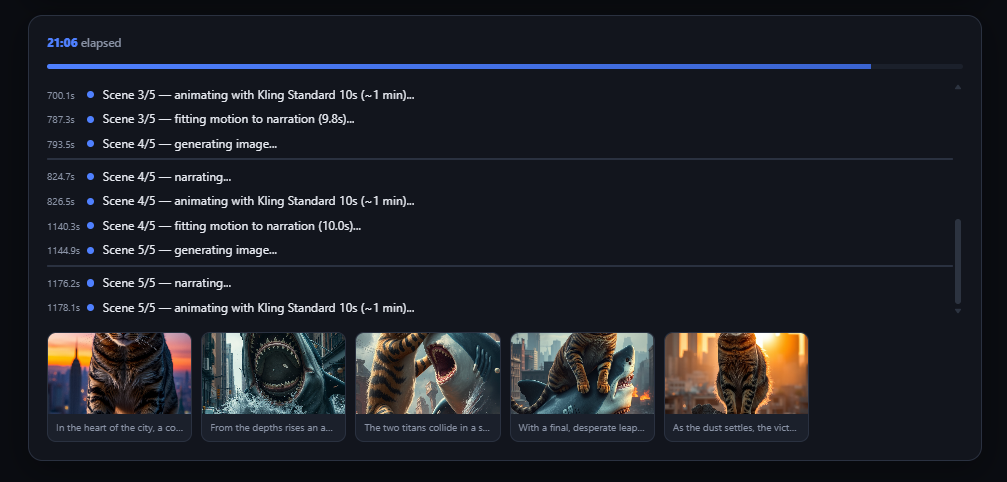
OpenMontage is an open-source (AGPLv3) agentic video production system. theLAB runs it self-hosted on adi-cloud-2 behind a purpose-built dashboard — ADI Montage — that turns the whole pipeline into a single "type an idea → watch it produce → download the video" surface. The agent's reasoning runs on a local Devstral model, and every creative step can fall back to a free/local provider, so a full video can be produced for a few cents — or nothing.
How it works
One prompt kicks off an agent loop that walks the whole production end to end. Each stage writes a checkpoint, so a run can be guided, paused, or resumed:
idea ─▶ research ─▶ script + scene plan ─▶ imagery ─▶ motion ─▶
narration ─▶ music ─▶ word-level captions ─▶ Remotion composition ─▶ MP4- Script & scene plan — the local
Devstralmodel researches the topic and writes a narrated, scene-by-scene script. - Imagery —
FLUXvia fal.ai for fast cloud generation, or localComfyUIfor zero-cost stills. - Motion — either a Ken-Burns slideshow over the stills, or real
Klingmotion clips (Standard / Pro / Master, 5s or 10s per scene). - Voice & music —
ElevenLabsnarration with voice preview; royalty-freePixabaytracks, AI music, or an uploaded track. - Captions — word-level, animated subtitles aligned with
WhisperX. - Composition — everything is assembled and rendered to MP4 by a
Remotionstudio (running alongside on :3300).
Fast or free — pick per step
Every creative provider has a paid "fast" lane and a local/free fallback, chosen right in the dashboard. That's what keeps a finished video in the cents range:
| Stage | Fast (paid) | Free / local |
|---|---|---|
| Images | FLUX via fal.ai (~$0.05/img) | ComfyUI on local GPU |
| Motion | Kling clips via fal.ai | Ken-Burns slideshow over stills |
| Music | ElevenLabs AI music | Pixabay royalty-free / upload |
| Scripting | cloud LLM (optional) | Devstral local on adi-cortex |
Soundtrack Library
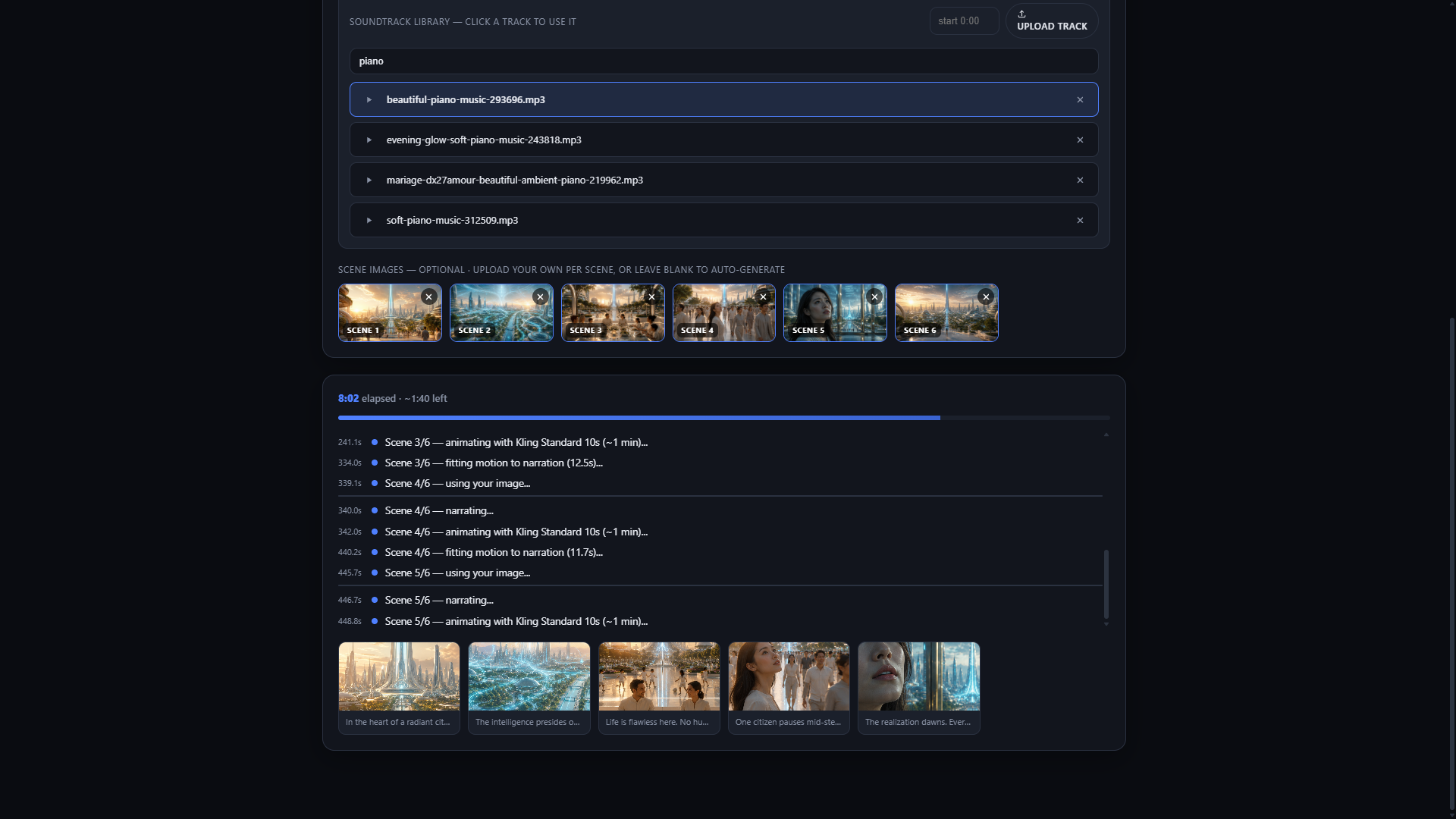
Rather than re-uploading the same music for every video, ADI Montage keeps a persistent Soundtrack Library. Add a track once and it's available to every render — in both Create and YouTube Shorts Studio — alongside the per-job Pixabay / ElevenLabs / upload options.
- Upload once, reuse everywhere — drop in any audio file from the Library tab; it's stored server-side and shows up in the track picker on every job.
- Preview & pick — click a track to play it, then select it for the current video; set a
startoffset so the music drops in where you want it. - Shared across modes — the same library backs the 16:9 Create flow and the 9:16 YouTube Shorts Studio, so a signature track is one click away in either.
- Manage it — saved tracks are listed in the Library tab with play and delete; the selected track is passed straight through to the composer.
# the library is a small REST surface on the dashboard
GET    /api/soundtracks            # list saved tracks
POST   /api/soundtracks            # upload a new track (multipart audio)
DELETE /api/soundtracks/{name}     # remove one
# files are served from /soundtracks and reused across every renderYouTube Shorts Studio
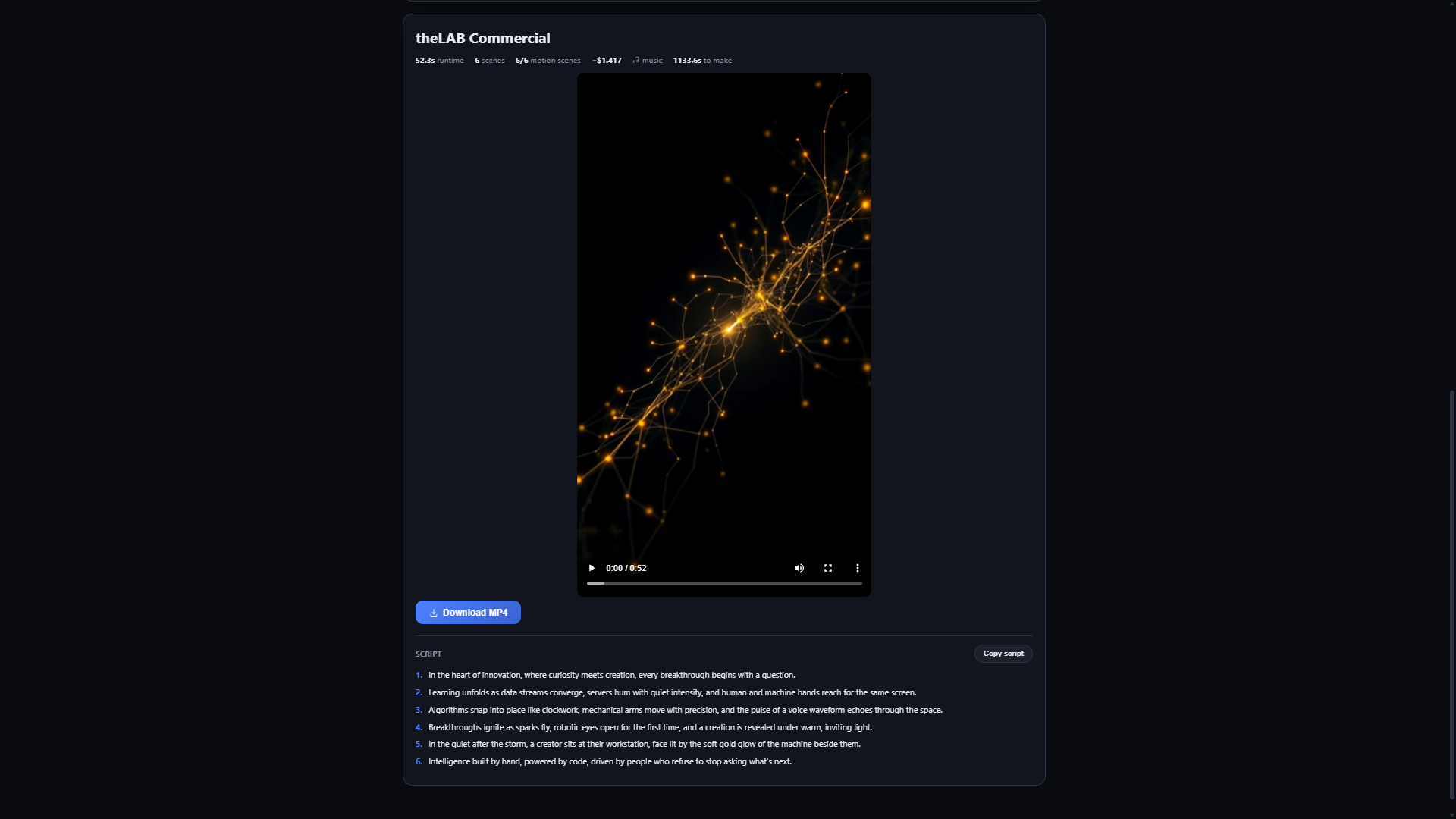
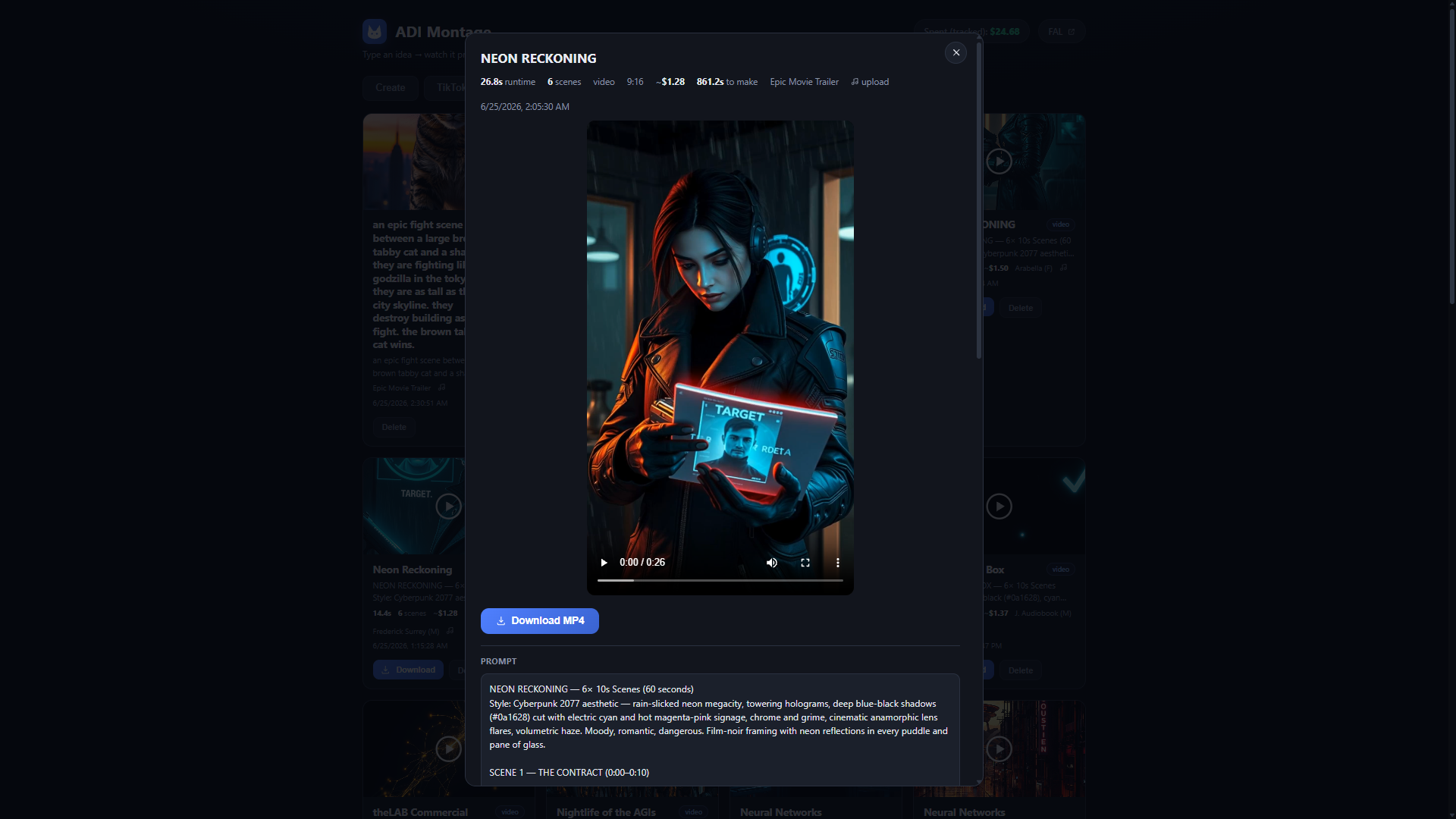
A dedicated 9:16 short-form mode. Give it a hook ("3 mind-blowing facts about self-hosted AI") and it produces a vertical video with word-level captions, then writes a ready-to-paste caption and lets you copy the script or download the clip — tuned for the format instead of cropping a 16:9 render.
Straight from the studio
The videos ADI Montage produces are posted to the @adi_onlin3 YouTube channel.
Running it
ADI Montage runs as a FastAPI service with a Remotion render studio beside it, both bound to the tailnet on adi-cloud-2 — reachable only over Tailscale, never the open internet:
# dashboard API (serves the ADI Montage UI)
uvicorn app:app --host 0.0.0.0 --port 8750

# Remotion composition studio
remotion studio src/index.tsx --host 0.0.0.0 --port 3300